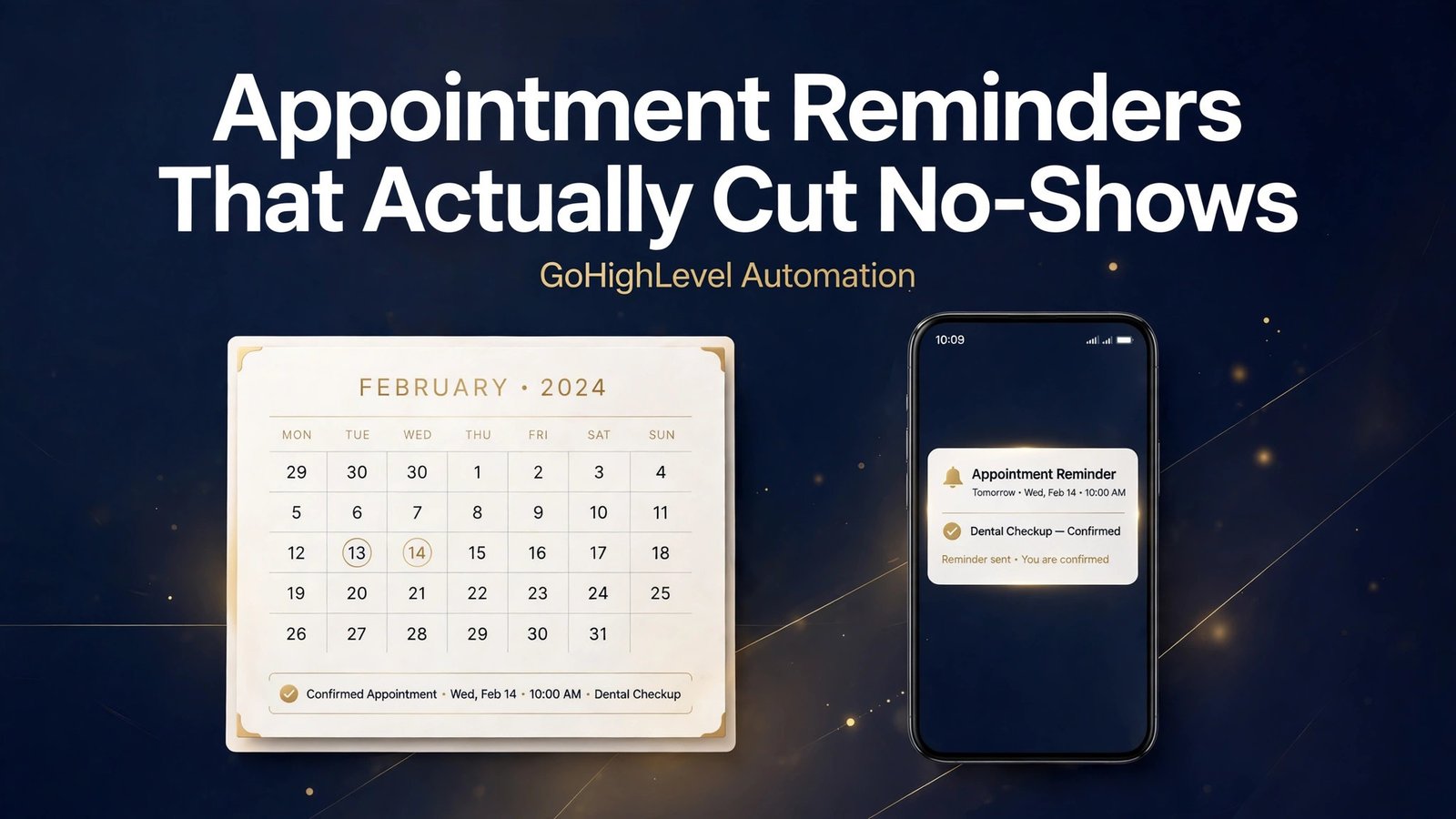
A client books an appointment, and then they do not show up. The slot sits empty, your team waits, and the hour is gone. It happens in every service business — dentists, salons, clinics, coaches, home services. Most no-shows are not people who changed their mind. They forgot, or they meant to cancel and never got around to it.
A reminder fixes most of that, but only if it is built the right way. One generic text the morning of the appointment is not enough. What works is a short sequence of reminders, sent at the right times, that make it easy to confirm, reschedule, or cancel. GoHighLevel can run that whole sequence for you, automatically, for every booking.
Here is how to set it up.
Why appointments get missed
Before building anything, it helps to know why people miss appointments in the first place. The reasons are usually simple:
- They booked days or weeks ago and it slipped their mind.
- They meant to cancel but could not find the number or the link.
- They were not sure of the time, the address, or what to bring.
- Something came up and they assumed you would just fill the slot.
A good reminder sequence answers all four. It jogs the memory, gives a one-tap way to confirm or reschedule, repeats the practical details, and asks early enough that you still have time to fill the slot if they cancel.
The reminder sequence that works
One reminder is better than none, but a sequence is what actually cuts no-shows. Here is the pattern that works for most service businesses:
Immediately after booking — the confirmation. The moment someone books, send a text and an email confirming the date, time, service, and address. This is also the moment to ask them to save the appointment in their calendar. A booking that is confirmed within minutes is far less likely to be forgotten than one that goes quiet for a week.
Three days before — the first nudge. A short message: "Just a reminder, your appointment is on Thursday at 2pm. Reply YES to confirm, or reply RESCHEDULE if you need a new time." This is the early warning. If something has come up for them, you find out while you still have days to fill the slot.
The day before — the practical reminder. Repeat the time, the address, and anything they need to bring or prepare. This is the message that stops the "I didn't know where to go" no-show. Keep it short. People read short messages.
Two hours before — the final check. A one-line text: "See you at 2pm today." This catches the people who forgot the day entirely. It also gives last-minute cancellers a final chance to tell you, which is better than silence.
Four messages might sound like a lot. In practice, clients welcome them, as long as each message is short, useful, and easy to answer.
Building it in GoHighLevel
GoHighLevel makes this straightforward with workflows and calendars. The pieces are:
1. Connect the calendar. Start with your GoHighLevel calendar, or connect the calendar you already use. Every booking needs to live in one place, or the reminders will not know what to remind about.
2. Create one workflow, triggered by a new booking. The trigger is a calendar appointment being created. From there, the workflow waits and sends each message on the schedule above. Use wait steps: wait until three days before the appointment, send the nudge; wait until the day before, send the practical reminder; wait until two hours before, send the final check.
3. Use appointment date tokens. GoHighLevel lets you pull the appointment date, time, and service into the message automatically. Never type a fixed date into a reminder template. The whole point is that the message is always correct for that booking.
4. Add reply handling. This is the step most people skip, and it is the one that matters most. Set up the workflow so that a reply of YES marks the appointment confirmed, and a reply of RESCHEDULE or CANCEL triggers a follow-up with your booking link. A reminder that cannot be answered is a dead end. A reminder that starts a conversation is a system.
5. Add a waitlist step for cancellations. When someone cancels, the slot is empty again. Keep a small list of clients who asked to be called when a slot opens, and have the workflow notify the first person on it. An empty slot that gets filled the same day is not a loss at all.
What to write in the reminders
The words matter as much as the timing. A few rules that hold up:
- Lead with the appointment, not your business name. "Your appointment is Thursday at 2pm" beats a long greeting. People scan texts in seconds.
- Ask for one action. Confirm, reschedule, or cancel — pick one per message. A message that asks for three things gets no reply.
- Sound like a person, not a system. "Hi Sarah, just a quick reminder about tomorrow at 2pm" reads better than "AUTOMATED REMINDER: APPOINTMENT 14:00." Short, warm, and plain wins.
- Include the address every time. Even if they have been before. Directions are the most common last-minute question, and answering it in the message saves a phone call.
- Make rescheduling easier than no-showing. This is the real goal. If rescheduling takes one reply and no-showing takes nothing, people will no-show. Put the booking link in the message and say "tap here to pick a new time." Most people would rather move the appointment than miss it — if moving it is easy.
Here is a simple example of the day-before message:
> Hi Sarah, quick reminder about your appointment tomorrow (Thursday) at 2pm at 12 High Street. Please bring your referral letter. Reply YES to confirm, or tap here to reschedule: [booking link]
Short, complete, and one tap to fix it.
Measure it, then adjust
Once the sequence is running, watch two numbers: your no-show rate and your confirmation reply rate. If the no-show rate is still high, the problem is usually timing — try moving the first nudge earlier, or adding a confirmation request at booking. If people are not replying at all, the messages are probably too long or too formal. Shorten them and test again.
One more thing worth tracking: how many cancelled slots get refilled. If your waitlist step is working, cancellations stop being lost revenue and start being openings for someone else.
A small setup that pays for itself
A reminder sequence takes an afternoon to build in GoHighLevel, and it runs on its own after that. Every no-show it prevents is an hour of your team's time saved and a client kept in the diary instead of lost to silence.
Start with the four-message sequence above. Keep the words short and human, make confirming and rescheduling one tap, and watch the numbers for two weeks before adjusting the timing.
FAQ
How many reminders are too many? For most service businesses, four messages across the booking is the right amount: confirmation, three days before, the day before, and two hours before. More than that starts to feel like nagging, unless the appointment is high value or booked weeks in advance.
Should reminders go by text or email? Text for the short reminders, email for the confirmation with the full details. Most people read a text within minutes; email is where they look when they need the address or the preparation notes again.
What if a client replies asking a question instead of confirming? Route those replies to your team. A reminder that starts a real conversation is a good thing — it means the client is engaged. The workflow should flag any reply that is not a simple YES or RESCHEDULE so a person can answer it.
Ready to stop losing hours to no-shows?
If your calendar has too many empty slots and your team spends its days chasing confirmations, an automated reminder system is one of the quickest wins in GoHighLevel. Book a call and I will look at how your appointments run today and show you what the reminder sequence would look like for your business.