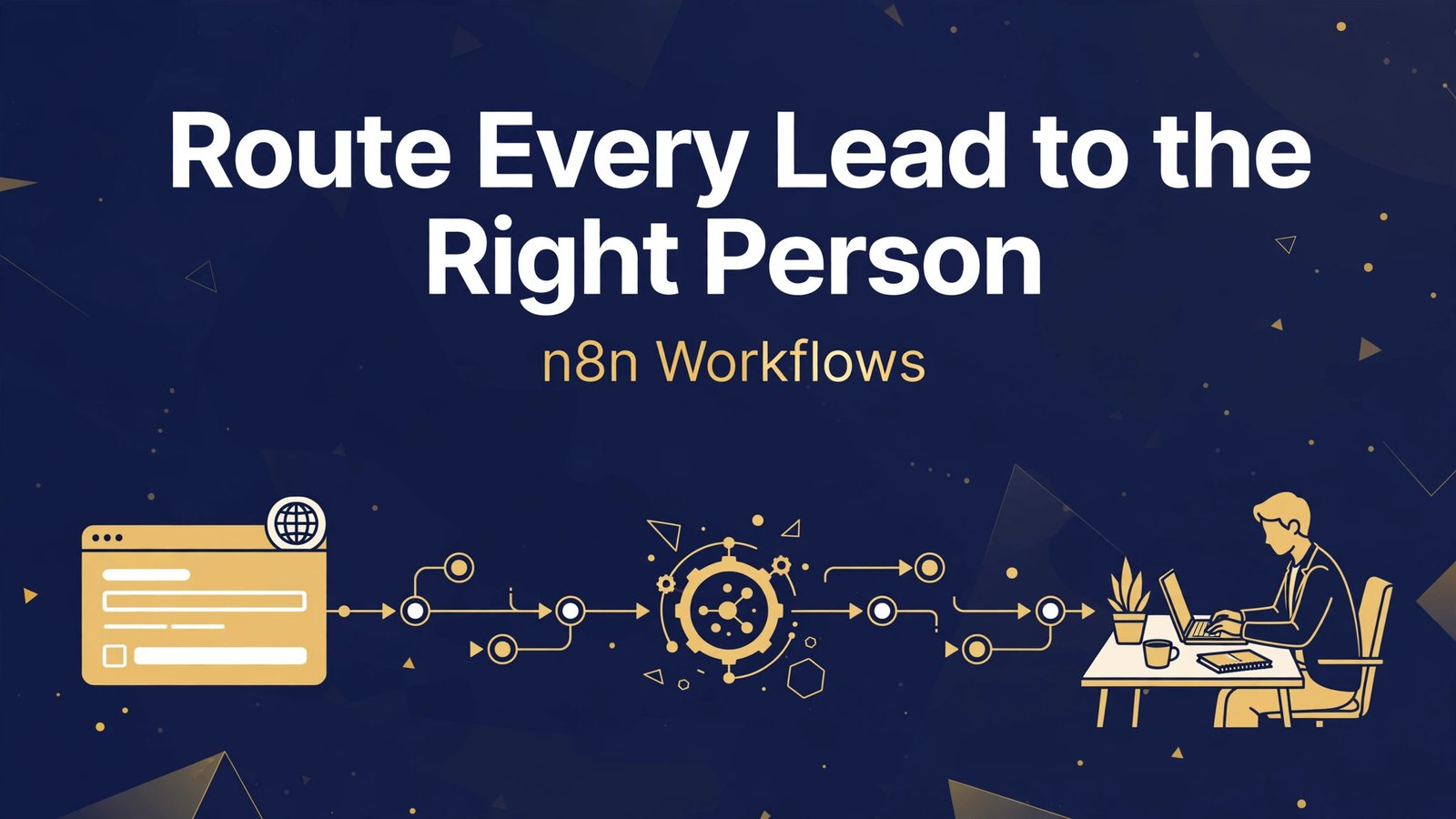
A new lead fills in the form on your website. Another one messages your Facebook page. A third calls and leaves a voicemail. By the end of the day, several people have reached out — and nobody on your team knows who is supposed to answer which one.
This is the quiet way small businesses lose sales. Not because the leads are bad, but because the lead never reached the right person at the right time. The form notifications went to an address nobody opens, or two people both assumed the other one would handle it.
Routing fixes that. It means every new lead is looked at, sorted, and sent to the right person — automatically, in seconds, every single time. n8n is one of the simplest tools to build it with, and this post walks through exactly how.
What lead routing actually means
Lead routing is a decision that happens between "a lead arrives" and "someone follows up." It answers three questions:
- Who should handle this lead? By service, by location, by team member, or by how the lead came in.
- How urgent is it? A lead asking for a quote today is different from someone downloading a guide.
- Where does it need to be recorded? Your CRM, your spreadsheet, your team chat — so it is never lost.
Without routing, every lead depends on a person noticing it and deciding what to do. With routing, that decision is made once and applied the same way to every lead that arrives.
Why n8n is a good fit for this
n8n is an automation tool that connects your apps and moves data between them. It sits between the places leads arrive — your website forms, your CRM, your inbox, your ads — and the places your team works. One workflow can watch several sources at once, make simple decisions (service A goes to Sarah, service B goes to James), and log every lead in a spreadsheet or your CRM so nothing disappears. And when your team or services change, you update one step instead of rebuilding.
You do not need to be a developer to build this. If you can draw a flowchart on paper, you can build it in n8n.
The routing workflow, step by step
Here is the shape of a routing workflow that works for most small businesses. Each step is one node in n8n.
1. Catch the lead. The workflow starts with a trigger: a form submission, a new row in a sheet, a new contact in your CRM, or a webhook from your website. Start with the place where most of your leads arrive, and add more triggers later.
2. Clean up the details. Leads arrive messy — odd spacing, all-caps names, a service field that says "other." Add a step that tidies the basics before anything else. Clean data makes every step after this one more reliable.
3. Sort the lead. This is the decision step. Use an If node or a Switch node to check the lead against your rules:
- Interested in sales or quotes — route to the sales team.
- Asking about support or an existing booking — route to support.
- No service selected — route to a general inbox for a human to sort.
Start with two or three rules. A workflow with twenty rules on day one is a workflow nobody can debug.
4. Notify the right person. Once the lead is sorted, tell the right person straight away — a message in Slack or WhatsApp, an email, or a task in your CRM. It should carry the lead's name, what they asked for, and a link to the full details, so the person can reply without hunting for context.
5. Record it in one place. Whatever else happens, write the lead into your CRM or a master sheet with a timestamp and the route it took. This is your safety net: if a notification fails or a team member is away, the lead is still on the list.
6. Send the lead a reply. The lead should hear back fast. A short automatic reply — "Thanks, Sarah from our team will call you today" — keeps the lead warm while the human reply is on its way. Keep it honest: only promise what your team will actually do.
A simple first workflow to build
If this is your first routing workflow, do not try to route everything. Build this version first:
- Trigger: a new submission on your main contact form.
- Decision: one If node — does the message contain words like "price," "quote," or "cost"? If yes, it is a sales lead. If no, it goes to the general queue.
- Sales path: create the contact in your CRM, message the sales channel, and send the lead a short acknowledgement.
- General path: log the lead in a sheet and message the general channel.
That is five nodes. It takes an afternoon to build and test, and it already fixes the most common failure: a lead arriving and nobody knowing about it. Once it runs well for a week or two, add the next layer — routing by location, service, or team member. Small steps, each one tested before the next.
Common mistakes to avoid
Routing everything on day one. A workflow that tries to handle every edge case will be hard to test and harder to fix. Start narrow, prove it works, then widen it.
No fallback route. Every routing workflow needs a "none of the above" path. If a lead does not match any rule, it must still go somewhere — a general inbox, a shared sheet, a named person.
No alerts when the workflow fails. Automations break. A form changes, a password expires, an app updates. Add an error step that messages you when a run fails, and check the run history once a week. A broken workflow that nobody notices is worse than no workflow at all.
Forgetting the human reply. Routing gets the lead to the right person. It does not replace the person. The automatic reply buys time; the human reply closes the deal.
FAQ
Do I need a paid n8n plan to route leads? The core building blocks — triggers, If nodes, messages, and sheets — are available on the free and starter options. You can build a working routing workflow without a paid plan.
Can n8n route leads from more than one source? Yes. One workflow can have several triggers — a form, a CRM, an inbox — or you can build one small workflow per source feeding the same routing rules. Start with your biggest source, then add the others one at a time.
What happens if the workflow goes down? Leads keep arriving at their source — the form still collects them, the inbox still holds them. That is why the recording step matters: as soon as the workflow is back, you can see what arrived while it was down. Add a failure alert so you know quickly, and keep a quick morning check of the form inbox as a backup.
Is routing the same as follow-up automation? No, but they work together. Routing decides who handles the lead and where it is recorded. Follow-up automation is what happens next — the sequence of messages that keeps the lead warm until they book. Build routing first, because follow-up cannot work on a lead that never reached the right person.
Start with one route
You do not need a perfect routing system. You need one route that works: one source, one decision, one person notified, one record kept. Build that, watch it for two weeks, and then add the next route.
Every lead that reaches the right person in seconds is a lead that does not sit in an inbox until it goes cold. That is what routing buys you — the simple guarantee that someone always knows, and someone always replies.
Want routing built for your business?
If leads are arriving in five places and your team is still sorting them by hand, an n8n routing workflow is one of the fastest fixes available. Book a call and I will look at where your leads come from today and show you what the routing would look like for your business.